Yalqen — Open-source developer browser for Mac Light as paper.
Clear as glass.

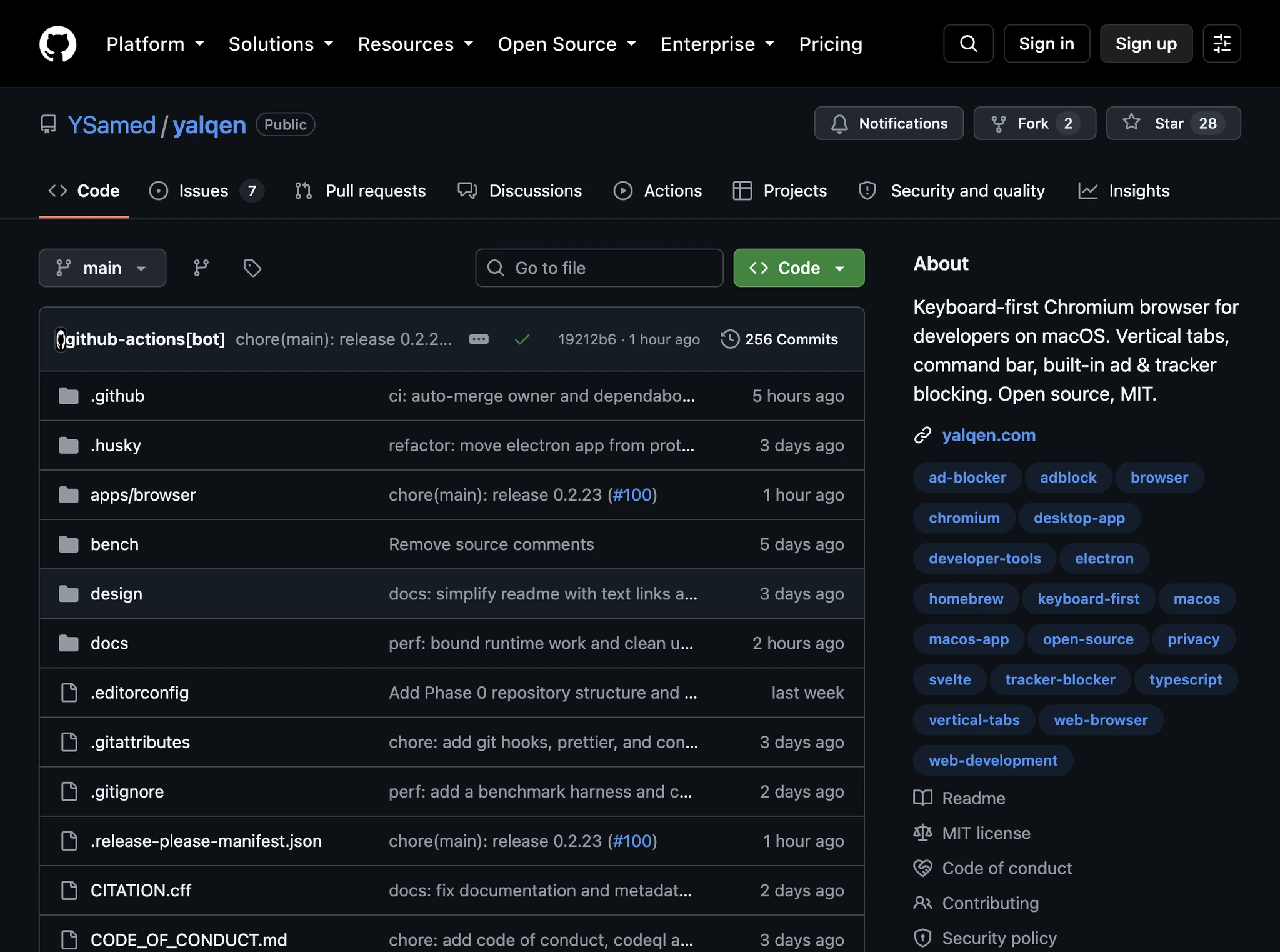
Yalqen is a free, open-source Chromium browser for Mac developers. Vertical tabs, a command bar and ad blocking, built in.

Small details. A big difference.

Everything you need, already there.

The everyday parts of a browser, done carefully. No extensions to hunt for, no setup before it feels right.

Yalqen AI

From idea to a working page.

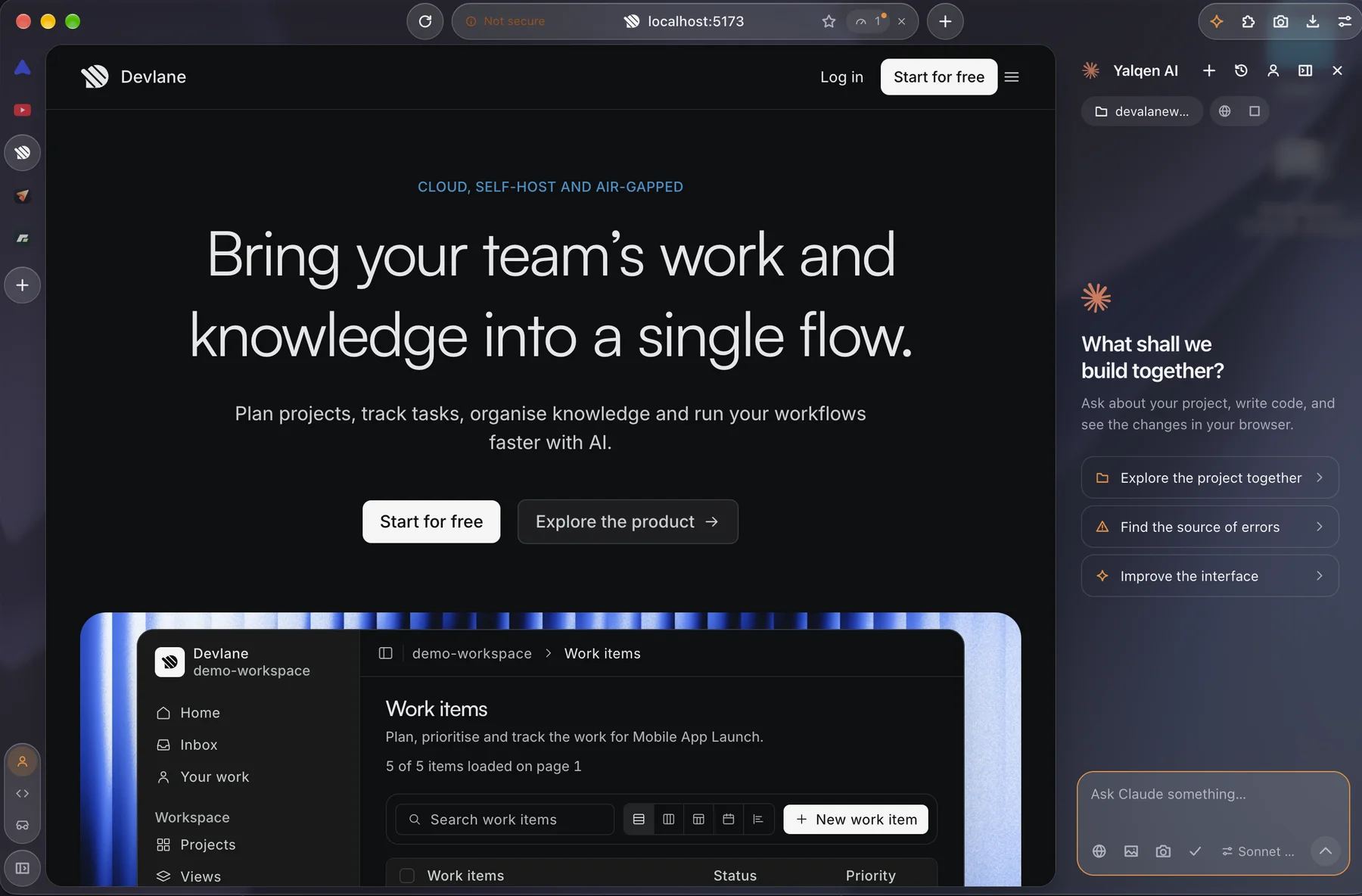
Work with Claude, Codex or Gemini beside your page. Give your agent the context, make a change and check the result in the browser.

  • Open the AI panel with ⇧⌘A
  • Choose a project and work on its code
  • Attach open tabs or pick a page element
  • Verify user flows and responsive layouts
Explore the AI panel

Tabs

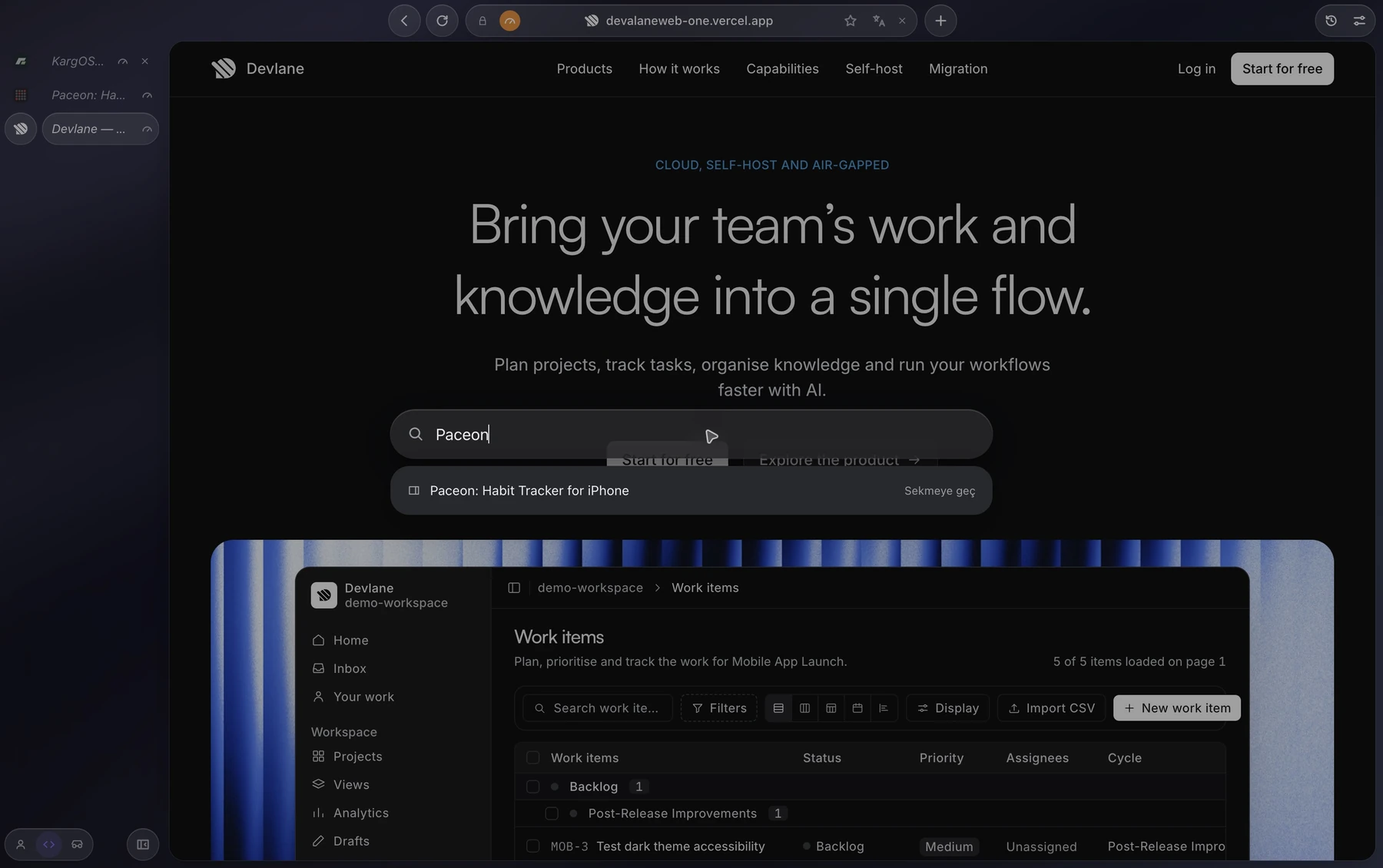
Tabs that stay out of the way.

Your tabs live in a side panel you can fold, hide or move. Everything else is a keystroke away.

  • Vertical tabs with circular pins
  • A command bar on ⌘L for tabs, history and commands
  • Cycle the panel from wide to narrow to hidden with ⇧⌘P
  • Hide the toolbar for a page-only view with ⇧⌘B
Every shortcut

Developer tools

Built for web developers.

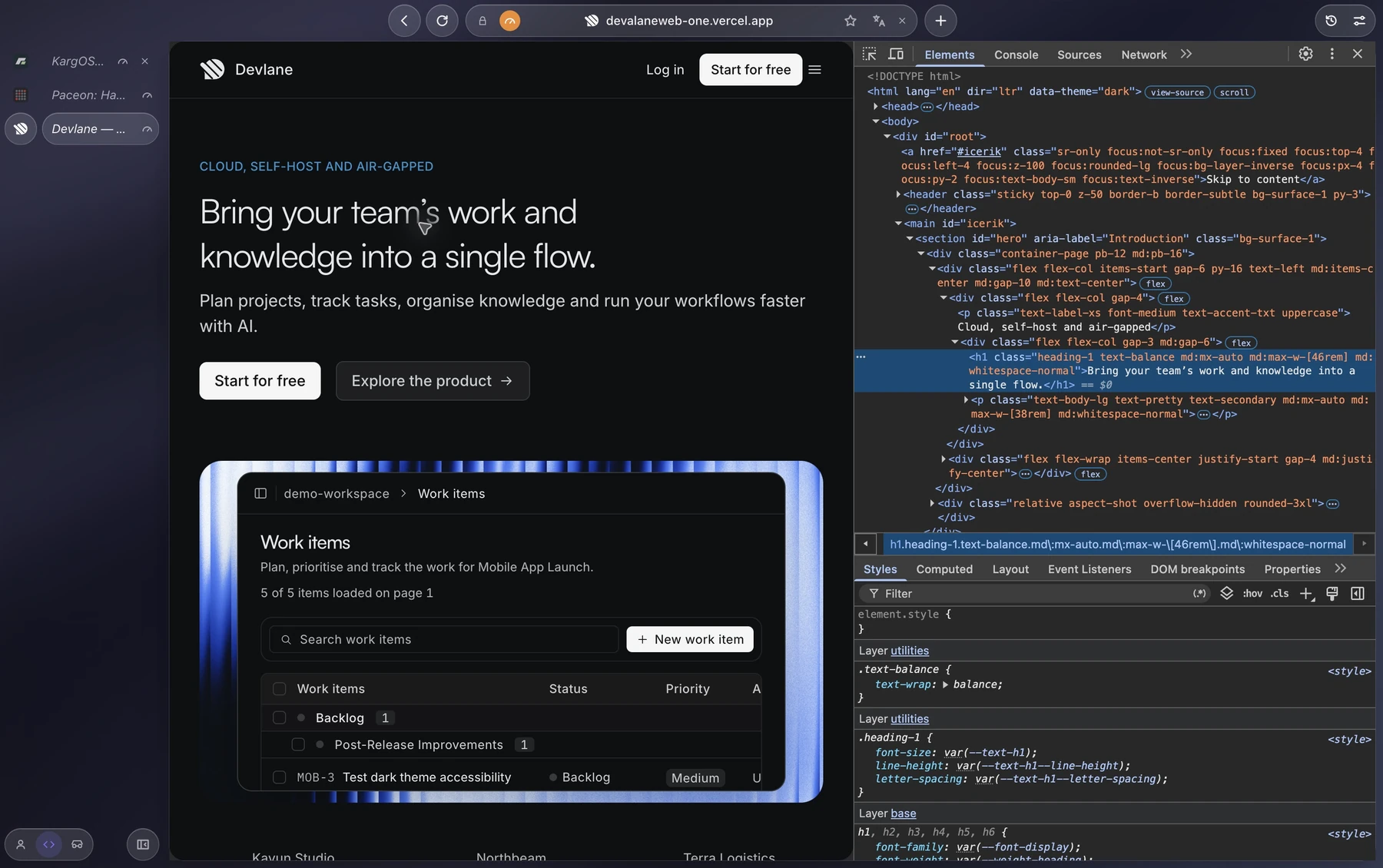
Chromium DevTools, plus the tools you would otherwise install as extensions.

  • Chromium DevTools on ⌥⌘I
  • Request rules to block, mock, redirect or rewrite headers
  • Network throttling for a single tab
  • Full-page screenshots in one command
  • A developer window with its own session
Developer tools

Phone view

Every screen, one window.

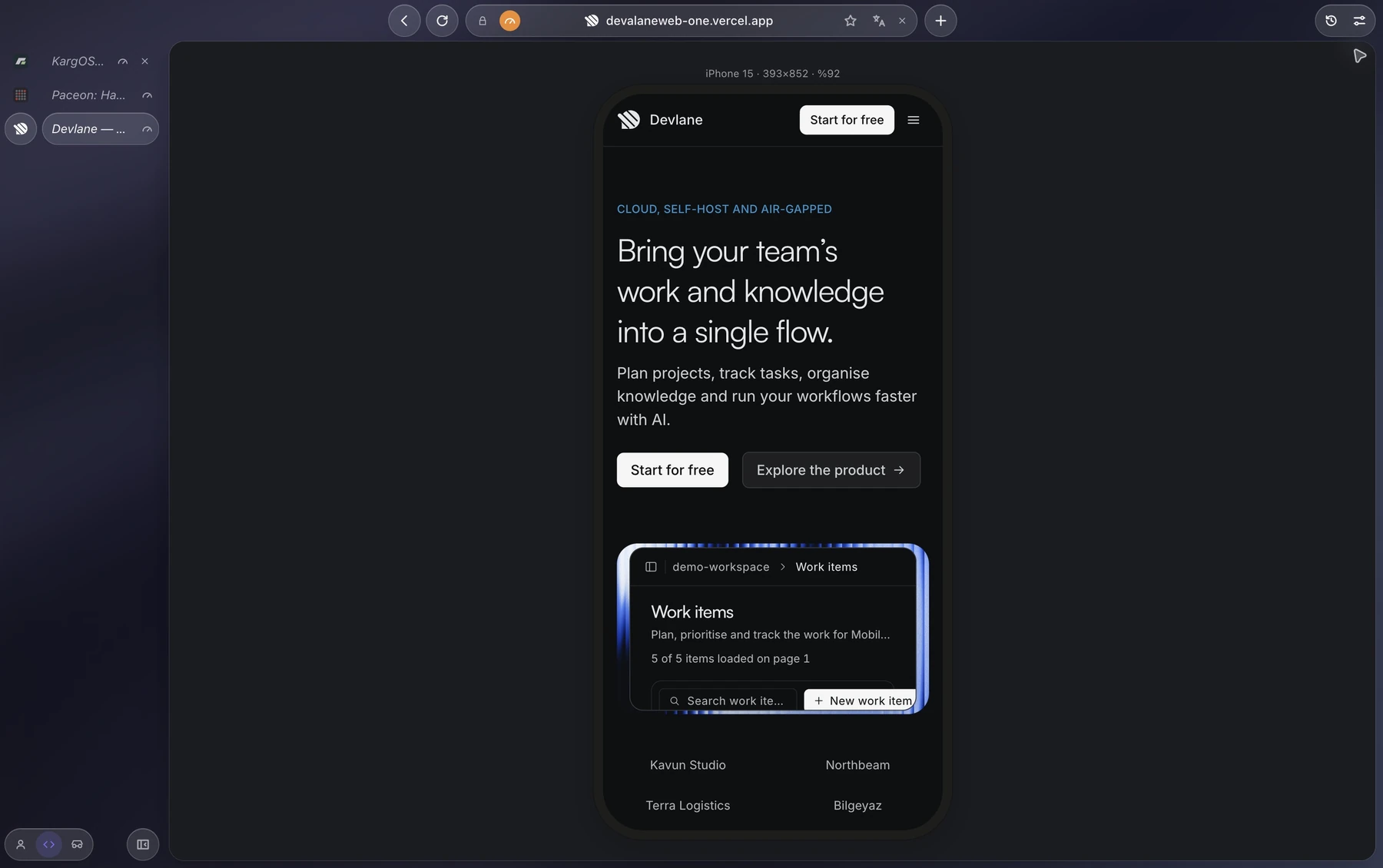
Check a page at phone sizes without opening DevTools.

  • Phone view on ⌥⌘M with device presets
  • Rotate the device with ⇧⌥⌘M
  • Emulate dark mode and reduced motion
  • Switch the user agent in one command
Phone view

Extensions

Your extensions come along.

Yalqen runs on Chromium, so sites behave the way they do in Chrome.

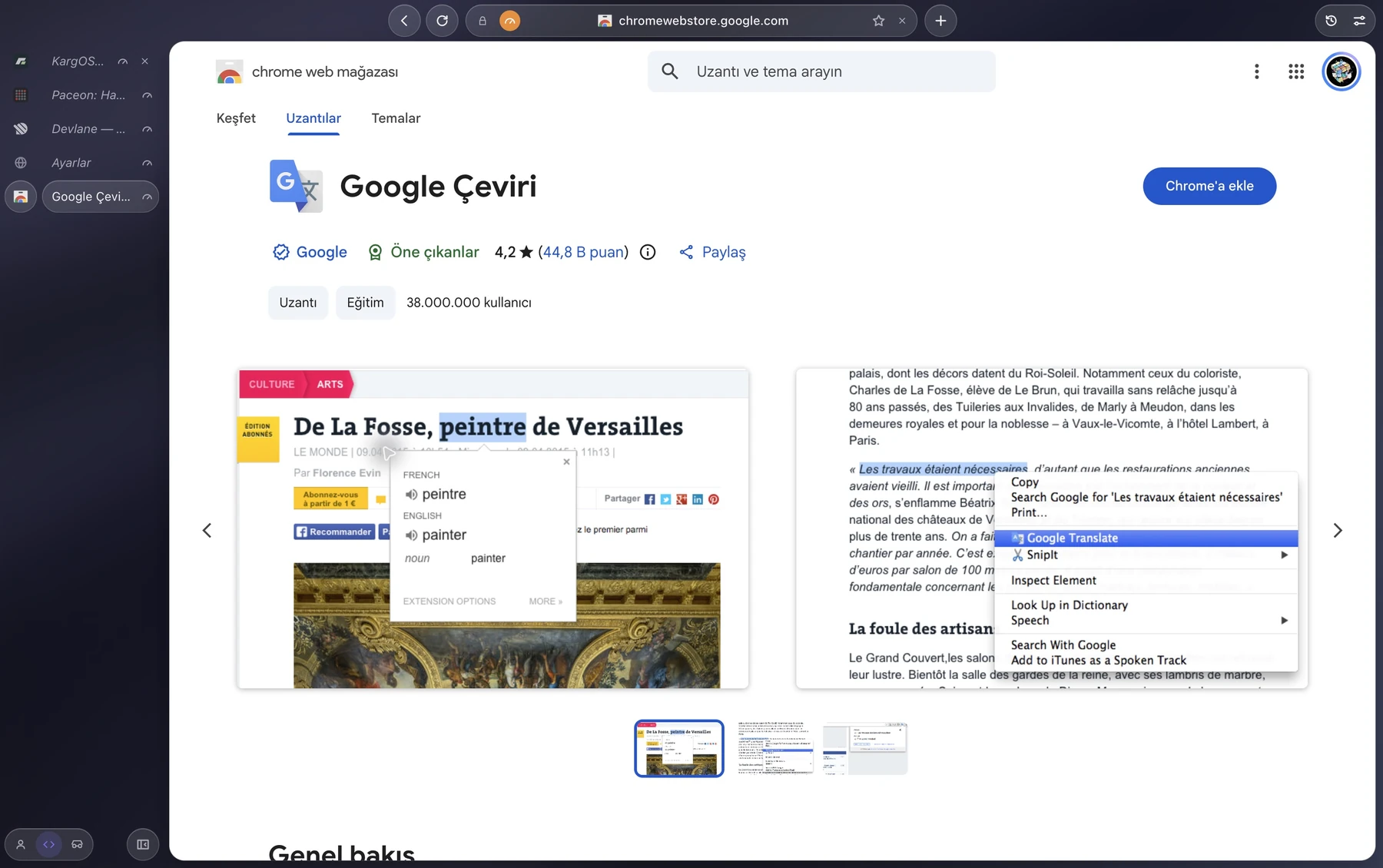
  • Extensions from the Chrome Web Store
  • Load an unpacked extension while you build it
  • Pages render the way they do in Chrome
  • Ad blocking without an extension
Extensions

Questions, answered.

The ones people ask most. Something missing? Open an issue and ask.

How do I install Yalqen?

Yalqen needs macOS 13 or later on an Apple silicon Mac. Install it with Homebrew using brew install --cask YSamed/yalqen/yalqen, or download the latest disk image from yalqen.com/download and drag Yalqen into your Applications folder.

Is Yalqen signed and notarized by Apple?

Yes. Releases are signed and notarized by Apple, so macOS opens Yalqen like any other app from the web: the first time, it asks whether to open an app downloaded from the internet, and you choose Open. Some early builds were not notarized. If macOS says it cannot verify one of those, download the latest version from yalqen.com/download.

Does it run on Intel Macs?

Early builds target Apple silicon only. Intel support depends on how the native shell performs and is not planned for now.

Do Chrome extensions work?

Yes, with limits. Since version 0.2.6 you can add extensions from the Chrome Web Store: open an extension’s store page and use its Add button, or paste a store link in settings. Unpacked extensions load too. Not every extension is guaranteed to work. The details are at yalqen.com/extensions.

Does Yalqen collect any data?

The browser does not collect browsing activity or crash reports and never asks for an account. Optional active-install counting is off by default. If you enable it in Settings → Privacy, it sends only a random installation ID to yalqen.com at most once per day; the server stores a keyed hash and last-seen time to count participating profiles over 30 days. You can turn it off at any time. Once per profile, it also sends an empty request to yalqen.com that adds one to an anonymous counter, with no ID. Otherwise it only talks to other services for things you use: filter list updates for the ad blocker, update checks against GitHub releases (you can turn them off), the search engine and secure DNS resolver you choose, the Chrome Web Store when you add an extension, Google Translate when you translate a page, and the selected AI provider when you use the AI panel with prompts or attached page content.

How is Yalqen free?

Yalqen is an open-source side project with no ads, no data deals and no paid tier. If that ever changes, it will be announced in the open first.

A fresh start, one tab away.

Make the web feel light again.

Download for macOS

Free & open source (MIT) · macOS 13+ · Apple silicon